August 16, 2025
Fewer emails, more overview: Automatically share project status.

Monday morning, 09:14 AM. You are sitting at your desk with your first cup of coffee, ready to start your work. Then the third customer email of the day comes in: "What is the status?" Suddenly, it’s already 11 AM, and you’ve sent more status updates than you've worked on your actual projects.
Many people stumble over typical project management mistakes right here. How to avoid them best, you can read here: "How to work more efficiently: 5 project management mistakes that cost you time."
With the right setup, you no longer have to explain the project status yourself, as it reveals itself automatically.
The problem: Constant status emails and customer inquiries
Spending two hours answering annoying customer emails is unfortunately nothing unusual. And that is also the problem. They interrupt your workflow, waste time, and pull you away from your actual work repeatedly. Even if you are already deep into the next task, you still have to search for screenshots, formulate progress, and send the status via email. This not only frustrates you but also ensures that projects take longer than they should.
If the distinction between tasks and subtasks is still not quite clear to you, we have a simple explanation for you here: "Task vs Subtask: Easily explained for your project management."
The solution: Automated project updates directly in one tool
Instead of explaining the status individually via email to each customer, you can simply make progress visible. With the right tool, all of this works automatically and in real-time.
This is where Proyex comes into play. You set once which information is relevant for the customer, and the system updates this view as soon as you continue working on the project. No double work for you, no constant reformulations. Your customers always know where you stand together, and you have your head free for the essential work.
Proyex independently transmits status updates
You no longer have to send messages through three different channels to inform your customers that the project status has changed. Everything happens in a protected, clearly structured area that your customers can access at any time. They only see what has been released for them, of course. Here’s how it works:
👉 Step 1: Create a project and define milestones
First, log in to your Proyex account. If you don’t have one yet, you can start for free. Once logged in, create your project, define milestones, and assign tasks.
How to best structure customer projects in Proyex and how to register, you can find out here: "How to organize customer projects in one tool - without chaos."
👉 Step 2: Add customers as guests
Through the feature "Add guest", your customer receives a secure login link. They only see the content that has been released for them and no internal notes or sensitive data.
👉 Step 3: Real-time progress
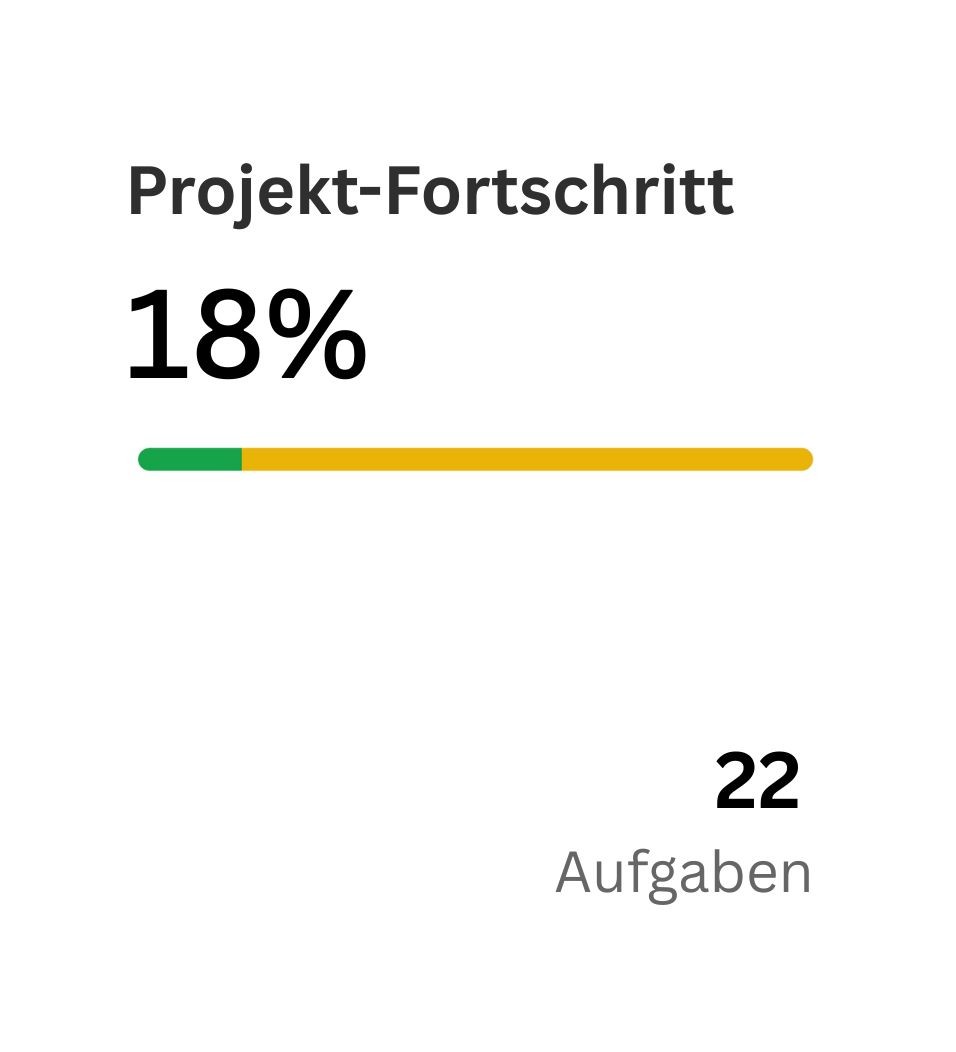
Now we come to the part that saves you the effort of unnecessary emails. When you mark tasks as "in progress" or "completed," the progress bar updates automatically. Your customer immediately recognizes how far you are.
👉 Step 4: Manage change requests directly in the tool
If your customer wants corrections, they can enter them directly into Proyex in the task. You will see the request immediately in the respective task and can consider it in the further course of the project.
Benefits for you and your customers
Automatic status updates are not only convenient for you, but they also change how you work with customers. Instead of being stuck in numerous discussions, you can focus on what your customers really hired you for.
Fewer emails, less stress
Leave the annoying "Is there an update?" emails behind you. The status is always up-to-date and accessible to the customer.
Full transparency without extra effort
Just like in a live dashboard, your customers can see the progress in detail. No more manual reporting.
Better customer loyalty through involvement
When customers have insight at any time, they feel part of the process. This builds trust and ensures that they appreciate your working method and reliability even more.
GDPR-compliant data protection
All data is stored GDPR-compliant on German servers. This gives you and your customers the assurance that sensitive information is protected. For many customers, this is a strong argument, especially in Europe.
How to approach this topic smoothly can be read here: "Data protection without stress: Everything about GDPR."
An example from practice in Proyex
You are a web designer and are starting a new project for a customer. From concept to design to development and launching the website, you plan all milestones and define them in advance in the project.
Right at the beginning, you invite the customer as a guest to the project. Your customer receives a secure login link and can view the project status at any time from this moment. They do not need to log in to Proyex separately.
While you work on the second milestone, you mark the first tasks in your concept creation as "completed" or still "in progress". The progress bar in the guest portal jumps, for example, to 80%, and your customer immediately sees that the next step is just around the corner. No email, no call, no follow-up.
Perhaps your customer wants to change something about the colors or has additional ideas regarding the website's navigation. This is also completely normal and fine, so they enter this directly into the milestone "Concept". You, as the designer, see the comment immediately in your task overview and can plan it without delays. This keeps all exchanges in one place, clear, transparent, and without additional status rounds.
💡 Tip:
Plan a fixed number of status rounds into your workflow and communicate them clearly to your customers. Usually, three revision rounds are a good guideline to achieve a satisfactory result for both sides. If too many revisions are offered, the effort for follow-ups increases significantly, and valuable time for other projects is lost.
If you want to know how to proceed best and what to do, feel free to stop by here: "What is a revision round?".
Conclusion: You do the work, and Proyex keeps your customers up-to-date
Think of Proyex as a virtual assistant that keeps your customers perfectly informed. For you, it means just a few clicks and a significant reduction in work. Your customers also benefit because they receive all information in real-time and don't have to work through multiple different tools.
Say goodbye to tedious status emails and try Proyex for free without a credit card now.
Free task management?
Use the free version of Proyex without time limits. Try it out now and organize your tasks like over 100 other teams with Proyex.




📩 Save 10% on your first Proyex plan.
Sign up for our newsletter and stay up to date – with tips, updates & exclusive offers.